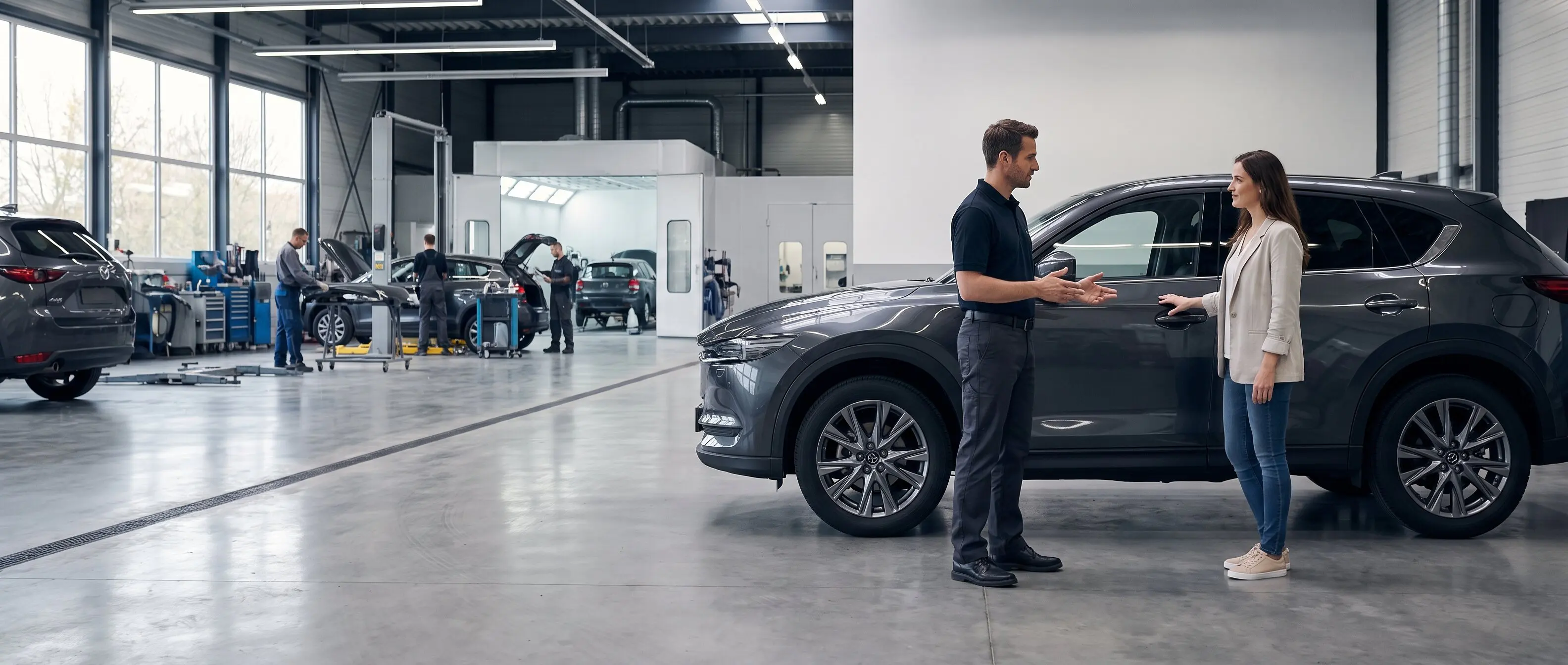
Be the shop drivers find before the work goes somewhere else.
Drivers search with a problem, a location and a short decision window. Your website should match the repair or vehicle they need, prove the business is credible and turn that search into an estimate request, service appointment, test drive or visit.
Automotive website design for collision centers, body shops, independent repair shops and dealerships.
A website does not create automotive demand. It captures more of the demand already searching.
The commercial job is different for every automotive business, but the path is consistent: match a specific local need, answer the trust questions, then make the next action easy on a phone.
The driver searched. Your website made the next shop easier.
Collision centers, repair shops and dealerships lose ready-to-act customers for the same basic reasons: the right service is buried, the location or hours are unclear, the mobile page is slow, and the only next step is a phone call during business hours. The work may be excellent. The website never gets far enough to prove it.
What gets lost
One missed search can carry a repair order—or a customer relationship.
A collision customer comparing nearby body shops may choose the first credible business that explains insurance, estimates, repair steps and what happens next.
A driver with a warning light, brake issue or dead air conditioning searches by symptom and service. A generic services list cannot compete for every specific need.
Dealership customers move between inventory, trade-in, financing, test-drive and service questions. Every broken handoff gives another dealer or independent shop an opening.
Google, Bing and AI assistants need crawlable service, vehicle, location, hours and appointment facts before they can confidently match the business to a local question.
The fix
Build the shortest credible path from search to service.
Give every priority service a useful page, align real location and service-area facts with the Google Business Profile, and place the right action beside the answer: request an estimate, upload damage photos, schedule service, call, get directions or book a test drive. Then measure which pages and actions create qualified opportunities.
Collision, mechanical service, dealership or location pages built around what the business actually offers
High-intent search targeting for services, symptoms, makes, vehicles and real geographic markets
Estimate requests, photo-upload links, service scheduling, tap-to-call, directions or test-drive actions placed where they fit
Insurance, warranty, certification, financing and technician facts published only when verified
Real repair, facility, team, inventory and before-and-after photography optimized for fast mobile pages
AutoRepair, AutoBodyShop, AutomotiveBusiness, Service and Vehicle structured data where appropriate
Tracking for calls, forms, scheduling clicks, estimate starts and other agreed conversion actions
On every build
The technical baseline, whatever your industry.
Server-rendered pages, not a JavaScript shell
Every page ships real HTML, so customers, search engines and AI assistants can reach the content without waiting for a client-side app to assemble it.
Appropriate structured data
Relevant Organization, Service, FAQPage and breadcrumb schema gives Google, Bing and AI systems clear facts where that markup accurately fits the page.
AI crawlers explicitly allowed
GPTBot, ClaudeBot and PerplexityBot are welcomed in robots.txt, and an llms.txt file points them at your key pages and facts.
Answer-shaped content
Headings phrased as the questions your customers actually type, with the direct answer in the first sentence. That structure is what gets quoted back inside an AI answer.
Built around Core Web Vitals
Fast loading, responsive interaction and stable layouts are part of the build and are measured before launch rather than assumed.
Booking and contact that actually work
A real booking flow and a contact form that is tested end to end before you get the link — plus the tracking to see which one people use.
How it works
Four clear steps from first call to launch.
01
A 20-minute call
Talk through what the business does, who the site needs to reach and what should happen after they land. If a new site is not the right next move, you will hear that plainly.
02
The build starts
You review a working site, not a mockup. Real content, your photos and your services are already in place.
03
Review and refine
Feedback goes straight into the working site. A streamlined studio means fewer layers, faster decisions and no ticket queue.
04
Live, and findable
Launch, submit to Google and Bing, verify the structured data, and confirm the AI crawlers can read it. Then you get the keys.
Keep estimate and service requests from stalling after submission.
Lead follow-up automation can route inquiries, create callback tasks and make unanswered or failed steps visible without automating the repair estimate or service decision.
An auto body shop website needs a clear homepage, focused repair-service pages, an estimate or damage-photo intake path, an explanation of the insurance and repair process, verified credentials and repair proof, and accurate location and contact information. The exact page count should follow the shop's real services, locations, and customer workflow.
Get started
Two ways to start. Both take about twenty minutes.
Pick a time and talk through the website, or send a message with the problem you are trying to solve. No pitch deck, no pressure—just a useful conversation about what the business needs next.