Collision repair website design for the moment a driver needs a shop.
SimpleLaunch builds auto body shop websites that match high-intent local searches, explain the estimate and insurance process, prove the shop is credible, and make the next step clear on a phone.
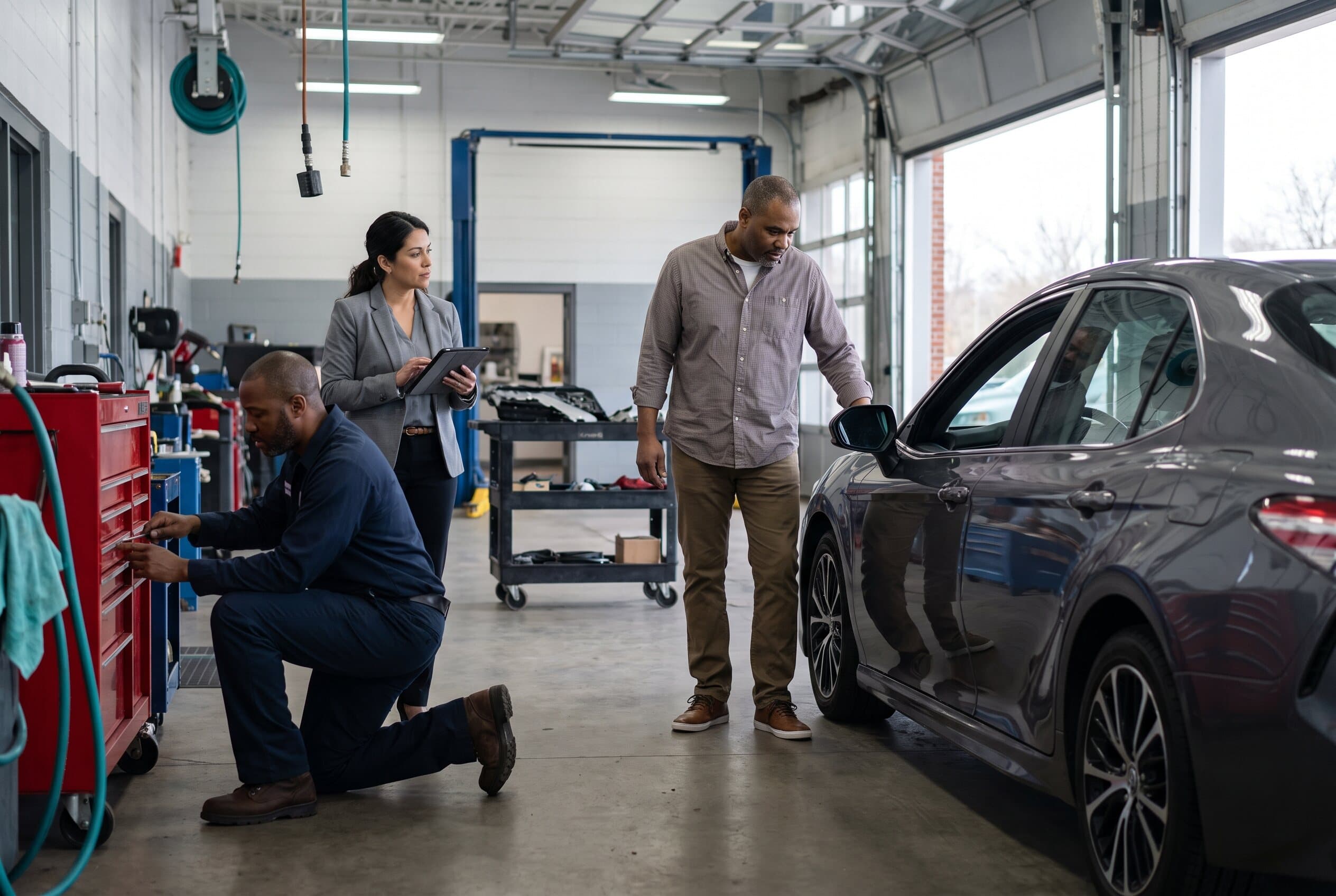
The website has to answer the driver's questions before another shop does.
A collision search often starts with damage, location, insurance uncertainty, and a short decision window. A generic automotive homepage forces the driver to assemble the answer. A focused body shop site turns those questions into a credible path to inspection or estimate review.
- Can this shop repair the damage and vehicle in front of me?
- What does the estimate request start—and what still requires inspection?
- How does the shop work with the customer and insurer?
- Are the certifications, repair proof, hours, and location current?
- Can I call, upload approved photos, request an estimate, or get directions now?
Build pages around real repairs and real customer decisions.
Each priority page should match a service the location can verify, answer the driver's first questions, and lead to one honest next action.
- 01
Collision repair
Explain the inspection, repair-plan, authorization, parts, repair, quality-check, and pickup stages.
- 02
Bumper and cosmetic damage
Clarify which damage needs inspection and whether a photo request is only an initial review.
- 03
Hail and dent repair
Describe verified conventional or paintless dent capabilities without promising fit before assessment.
- 04
Frame and structural work
State the shop's real equipment, training, and repair limitations with verifiable credentials.
- 05
Insurance and repair process
Show what the shop handles, what the insurer decides, and what the vehicle owner should expect.
The estimate path should reduce uncertainty—not create a promise the shop cannot keep.
Photo intake can help the team prepare, but the page should state who reviews it, what happens next, and when an in-person inspection may still be needed.
- Use visible labels and request only the approved details and images the shop needs.
- Separate an initial estimate request from a final repair plan, authorization, or insurer decision.
- Keep calls, directions, and a standard contact route available when upload tools fail.
- Measure estimate starts, completed forms, calls, directions, and scheduling clicks—not visits alone.
Plan the collision website before choosing its layout.
Use the body shop page guide to map services, estimate intake, insurance guidance, proof, and location details—or generate a broader automotive sitemap with the page planner.
FAQ
Collision center website questions
Straight answers before a body shop website project begins.
Get started
Two ways to start. Both take about twenty minutes.
Pick a time and talk through the website, or send a message with the problem you are trying to solve. No pitch deck, no pressure—just a useful conversation about what the business needs next.
Book a call
Calendar loads when you scroll here.
Open the booking page in a new tab